Back to WordPress
Writing your first blog post is a fascinating thing. Follow the steps below to do so in WordPress.
1. Log in to the WordPress dashboard.
2. From the Dashboard menu, go to Posts and click on Add New.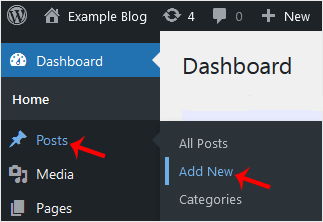
3. Enter your post title and write your blog post.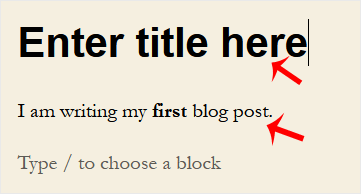
4. Under the Post tab, click on Tags, type post-related tags, and press Enter. You can enter multiple tags.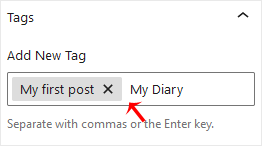
5. From the Categories, select the appropriate one or click on Add New Category.
6. Now, at the top side, find Publish and click on it twice.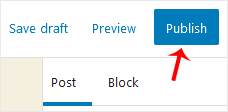
Congratulations on writing your first blog post.