Back to Mail Filters & SPAM
1. Log in to your cPanel account.
2. In the Email section, click on Global Email Filters.

3. Under Current Filters are displayed all existing filters. Click Delete next to the appropriate one.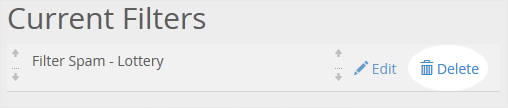
4. Now click on Delete Filter to remove your filter.